
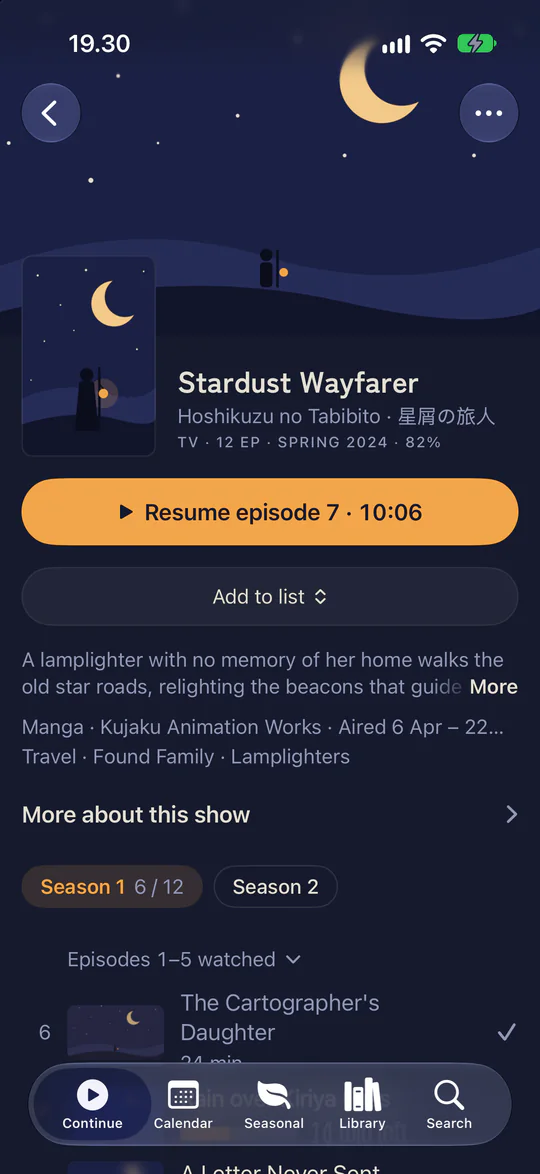

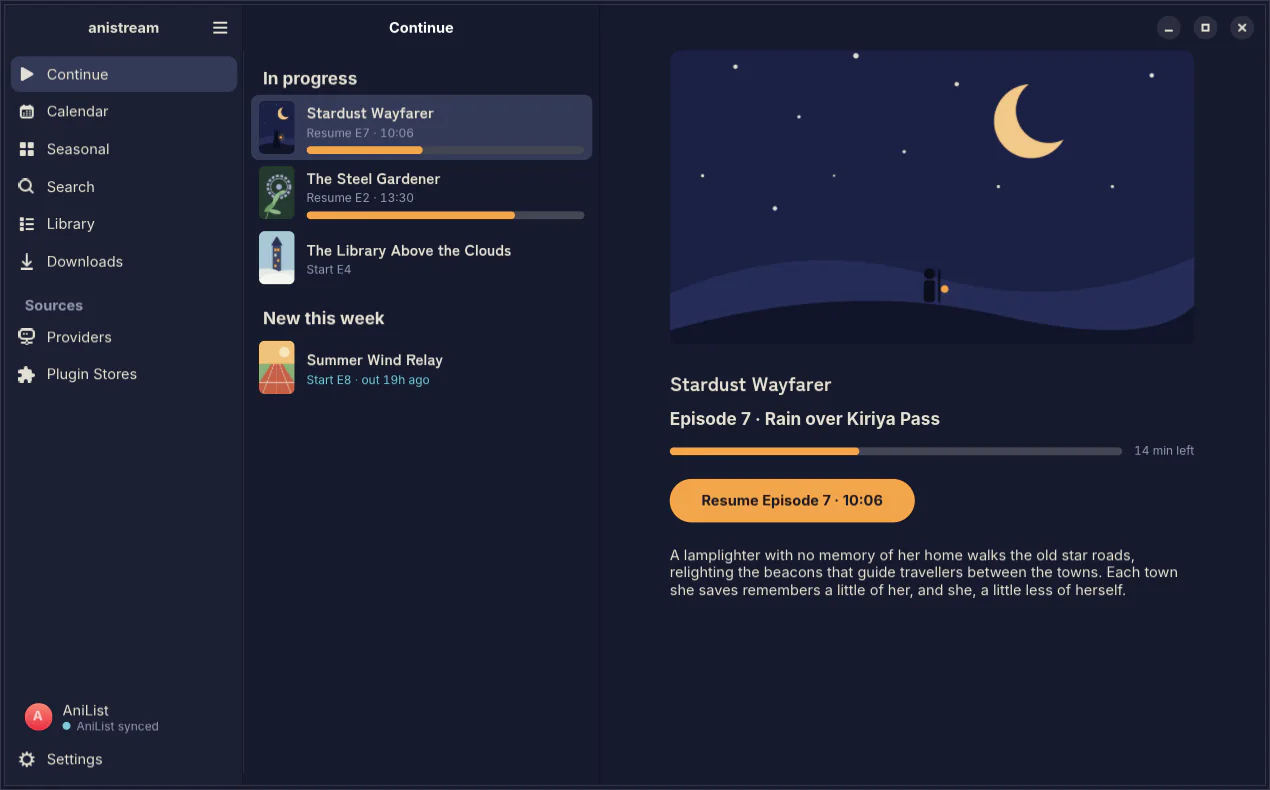
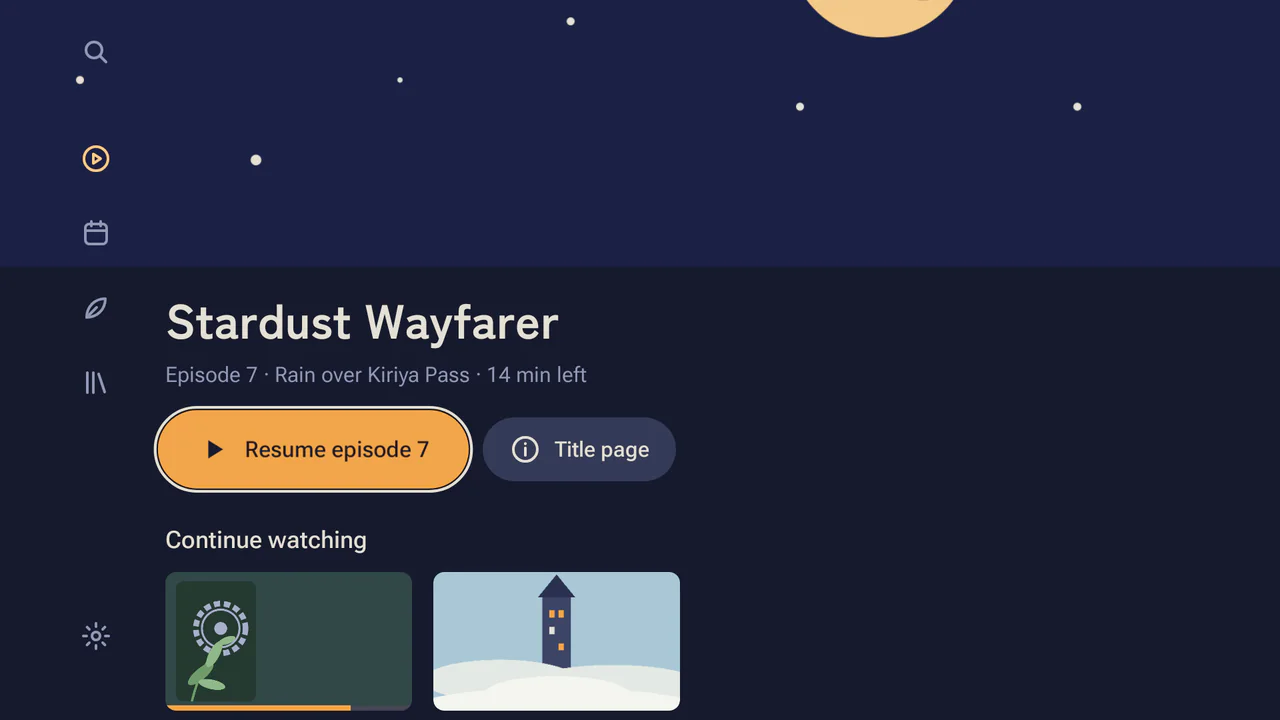
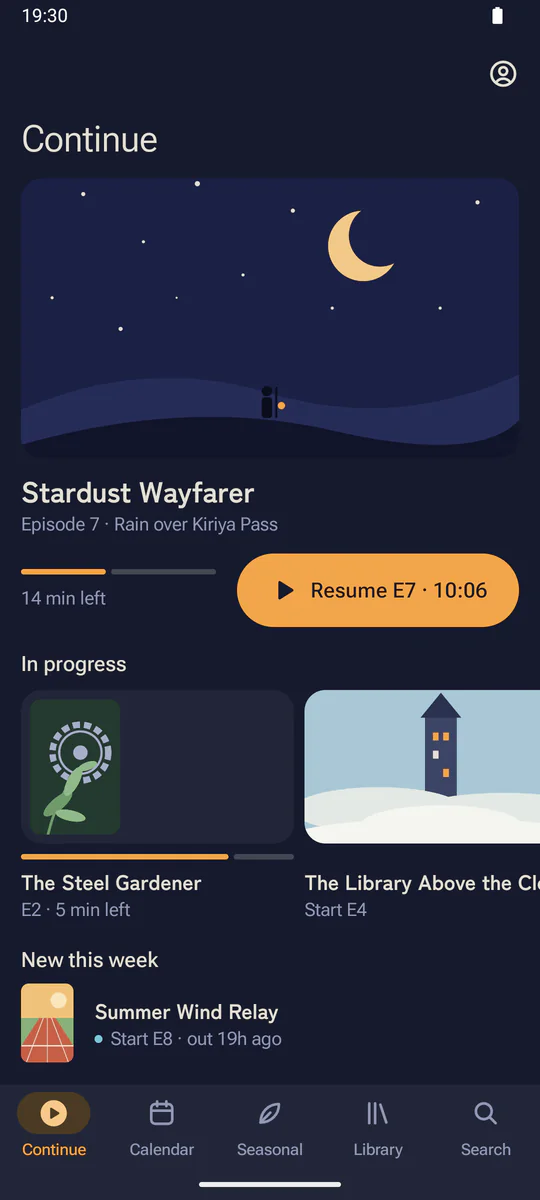
Continue watching
The shows you’re partway through, with the next episode ready to play.

Calendar and sync
See what airs each day. Your progress syncs to AniList, MyAnimeList, Kitsu, Simkl and Trakt.

Play on TV
Send an episode to the Android TV app, then use your phone or computer as the remote.
Apps
Each app is built with its platform’s toolkit: SwiftUI on Apple, Jetpack Compose on Android, WinUI 3 on Windows, GTK 4 on Linux and Ratatui in the terminal. They share one engine, written in Rust.
The player
Episodes play in mpv, with a skip button for the opening and Up next at the end. Drag the line to compare a 480p stream, upscaled and not, with the 1080p original.



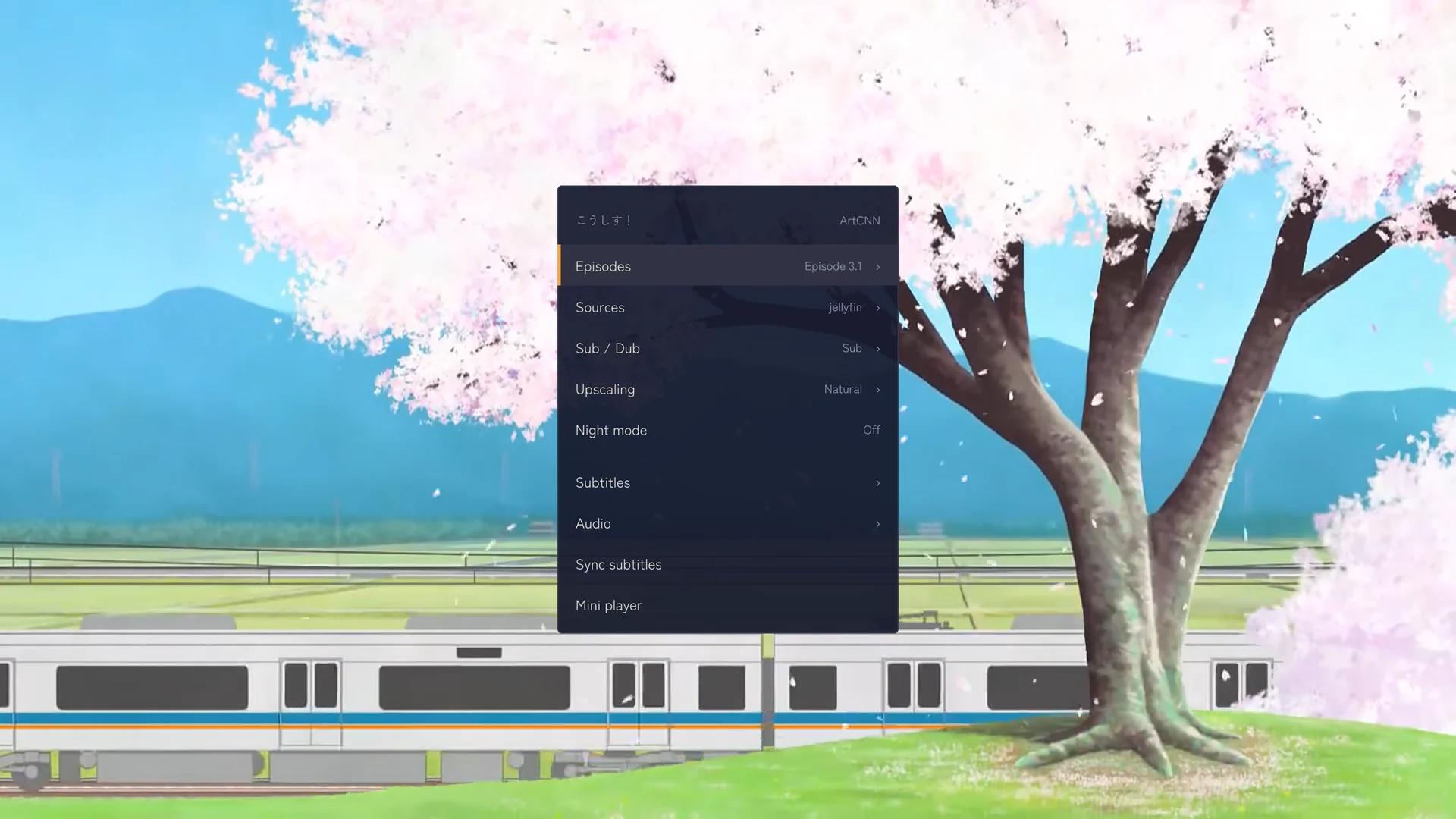
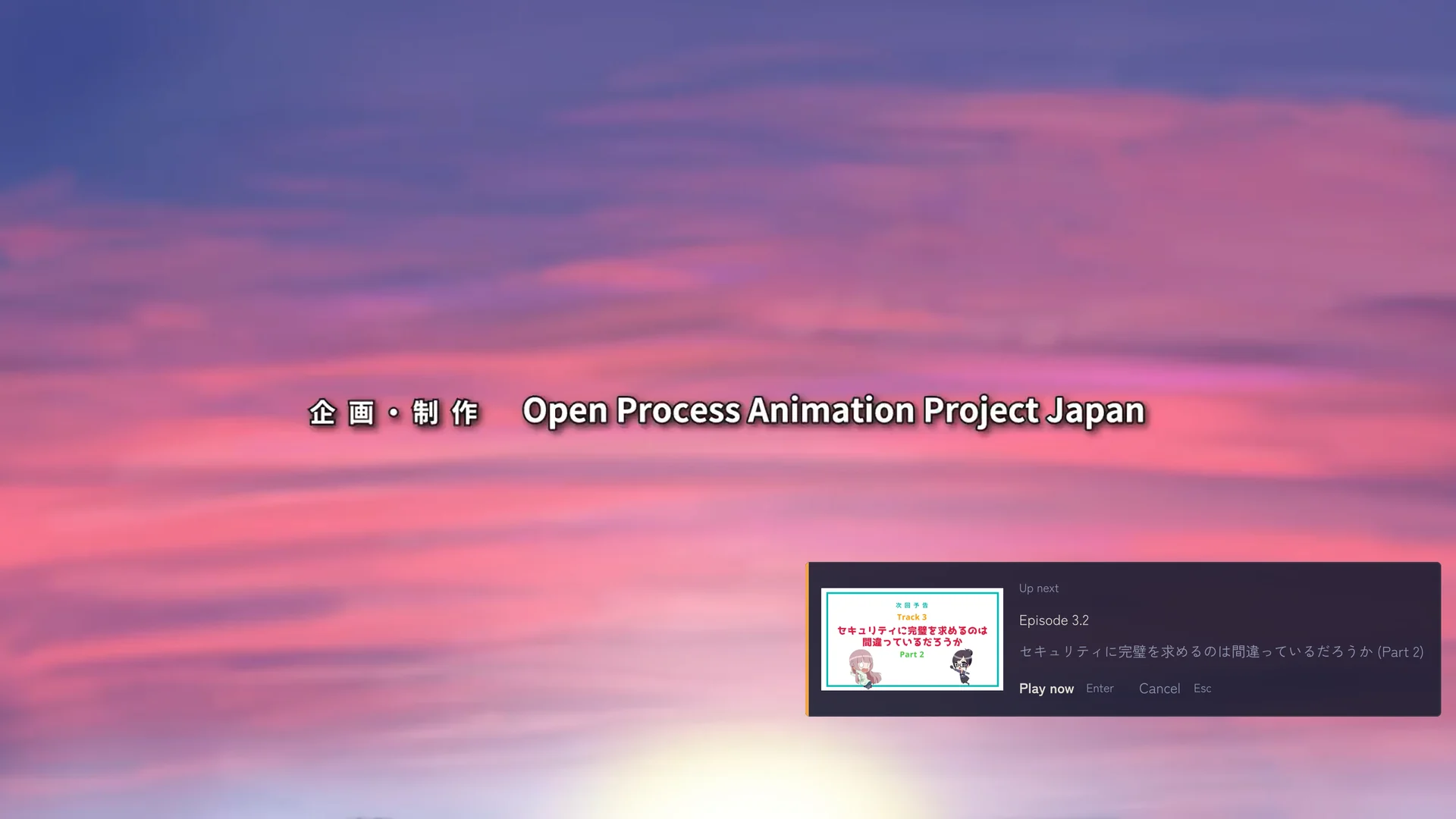
These three are the terminal app’s player. Player frames from こうしす! #3.1 and the comparison from #3.2, by OPAP-JP contributors, licensed CC BY 4.0.
The terminal app
anistream also runs in a terminal on macOS, Linux and Windows. On a Mac it shares its history and config with the Mac app.
The home screen, search, an episode list and playback. Covers show as images in Ghostty, Kitty, iTerm2, WezTerm and other terminals with image support.
- Vim keys
- hjkl or the arrow keys, and you can rebind them.
- Watch parties
- Press y to watch an episode with friends. Everyone’s player stays in sync.
- Command line
- --search, --stats and --random print JSON with --json, and --continue resumes the episode you left half watched.
# install from the releases page, plus mpv and ffmpeg
$ brew install mpv ffmpeg
# start browsing
$ anistream
# update
$ anistream --update
Sources
anistream hosts no content.
- AniList
- Public data for browsing, search, the calendar and title pages, with a pointer to where each title is licensed.
- Plugins
- For APIs you have the right to use, servers you host and media you own. anistream never circumvents DRM, so a licensed stream opens in the service that carries it.
- Plugin stores
- Run by someone you know, for the people they invite. anistream lists none of them.
Torrents are off by default and stay unreachable until you set up the VPN guard. What you point any source at is your decision and your risk, under the laws that apply to you. Removing a source takes one config edit.
Installation
Every release has the apps and the terminal app.
Other platforms
Windows gets the x64 build here and Linux the x86-64 one. All downloads has the Arm builds and the terminal app, and the installation guide has the first start on each.
Open source
anistream is developed on GitHub. Anyone can write a plugin or run a store.