
anistream for Mac, iPhone, iPad, Android, Android TV, Windows and Linux
Browsing needs no account, and episodes play inside the app. Your history syncs to your trackers. You add sources as plugins.
Downloads from GitHub
Toolkits
Each app is built with its platform’s toolkit, and all of them share one engine, written in Rust.
- Mac, iPhone and iPad
- SwiftUI, in Swift
- Android phones and tablets
- Jetpack Compose, in Kotlin
- Android TV
- Compose for TV, in Kotlin
- Windows
- WinUI 3, in C#
- Linux
- GTK 4 and libadwaita, in Rust
- The terminal
- Ratatui, in Rust
Mac
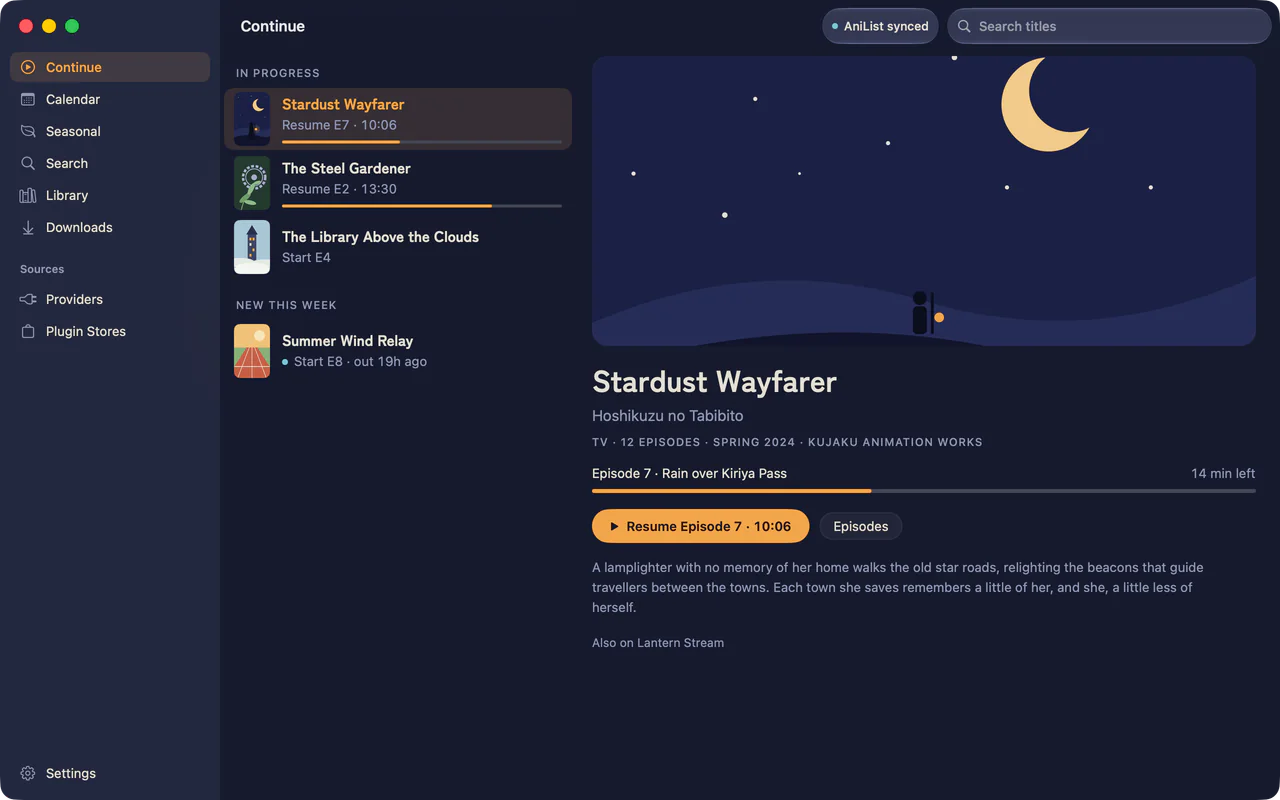
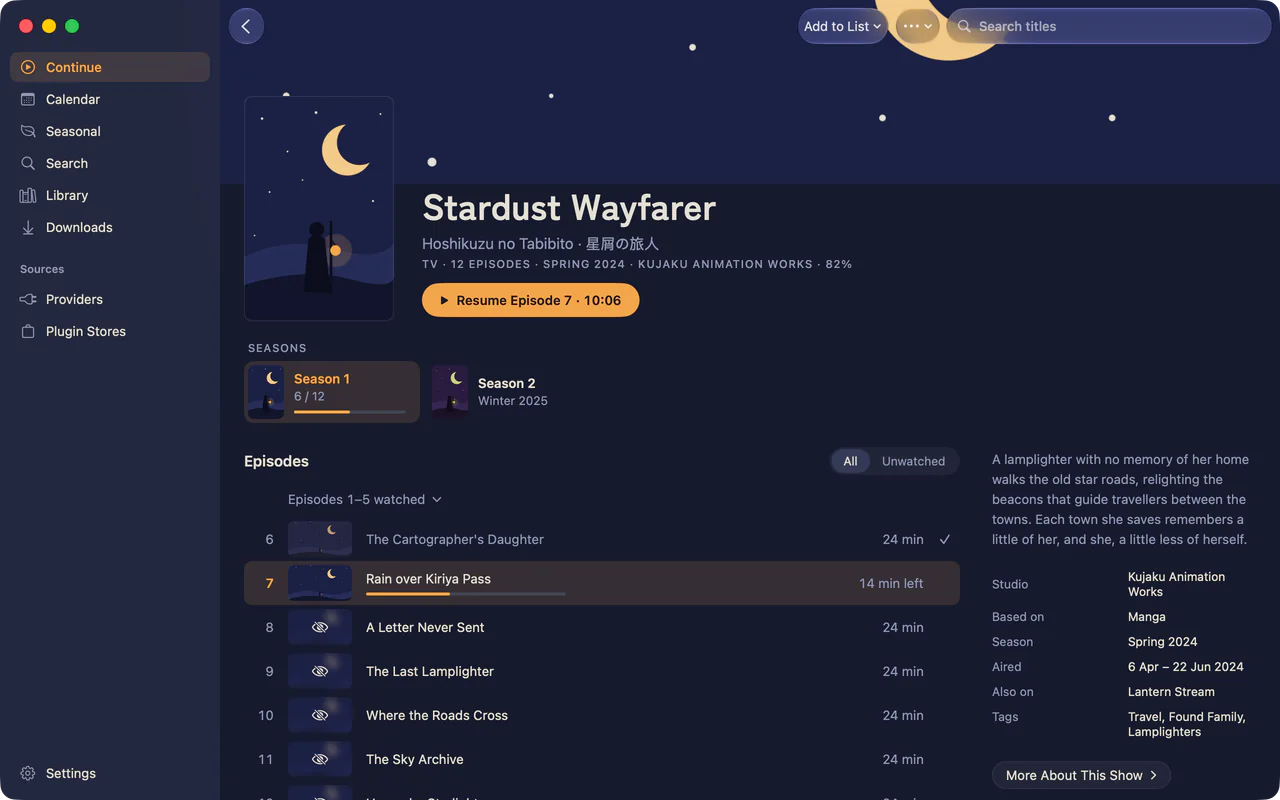
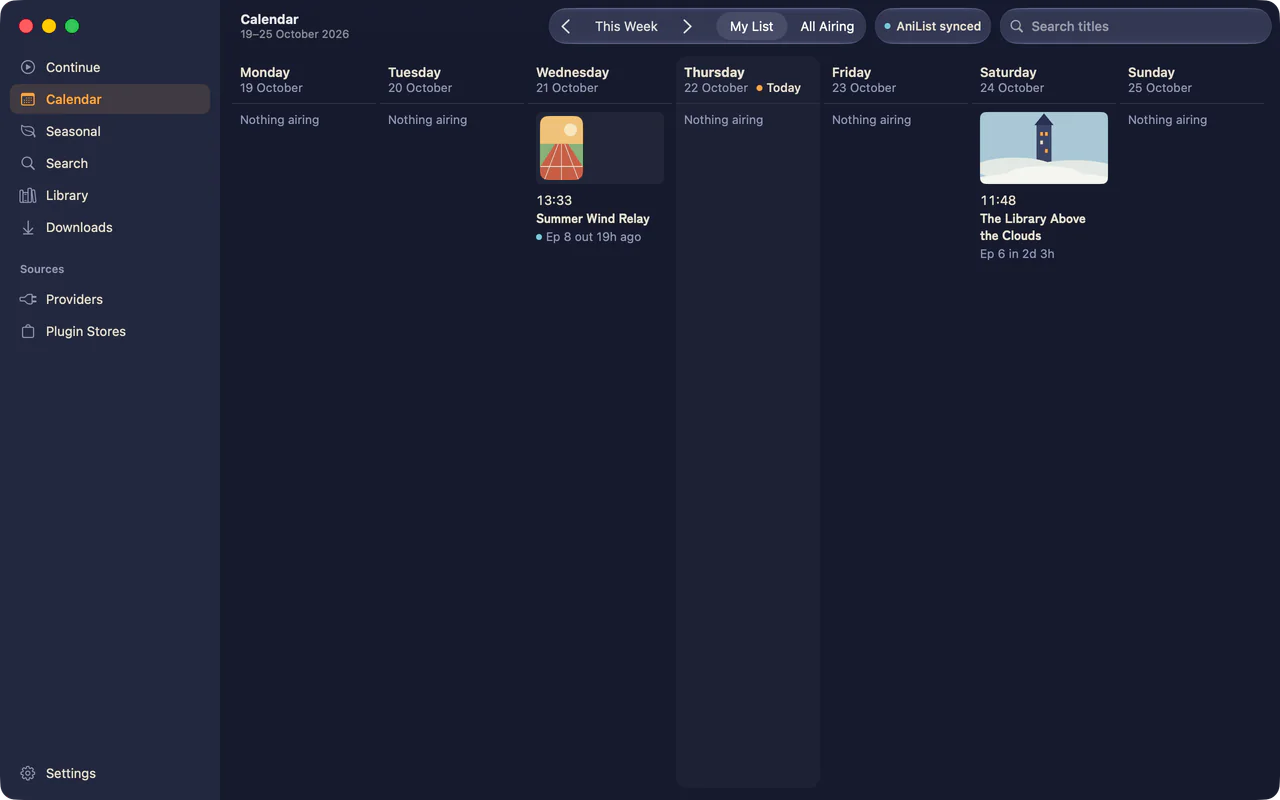
A sidebar for Continue, the calendar, seasonal charts, search, your library and downloads, with Settings in the same window. Play turns the window into the player, and Picture in Picture keeps the episode going while you browse. On a Mac, the app and the terminal app share one history and one config.
macOS 26 or later, on Apple silicon
iPhone
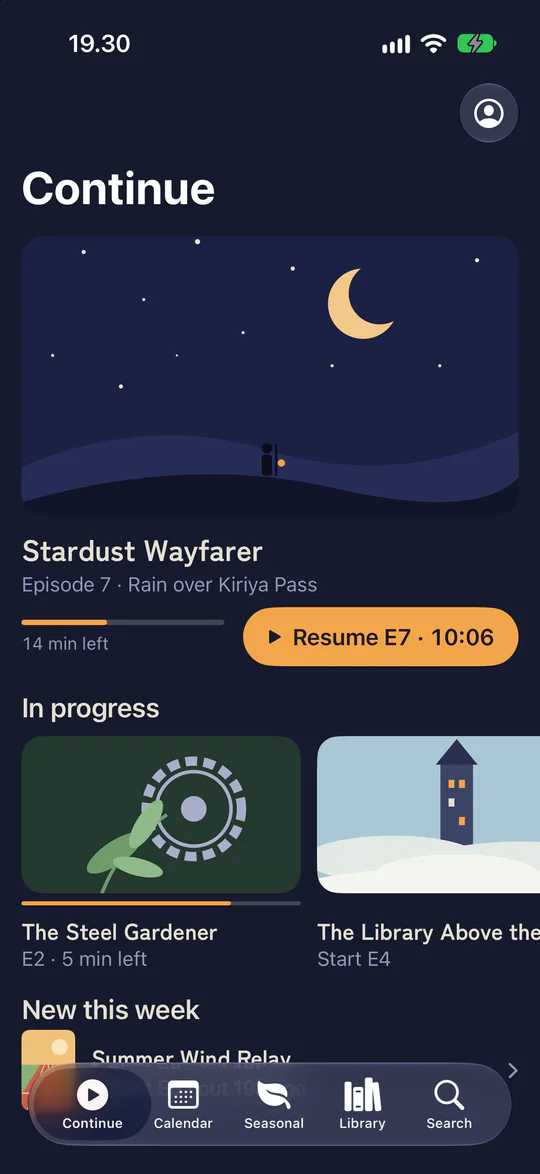
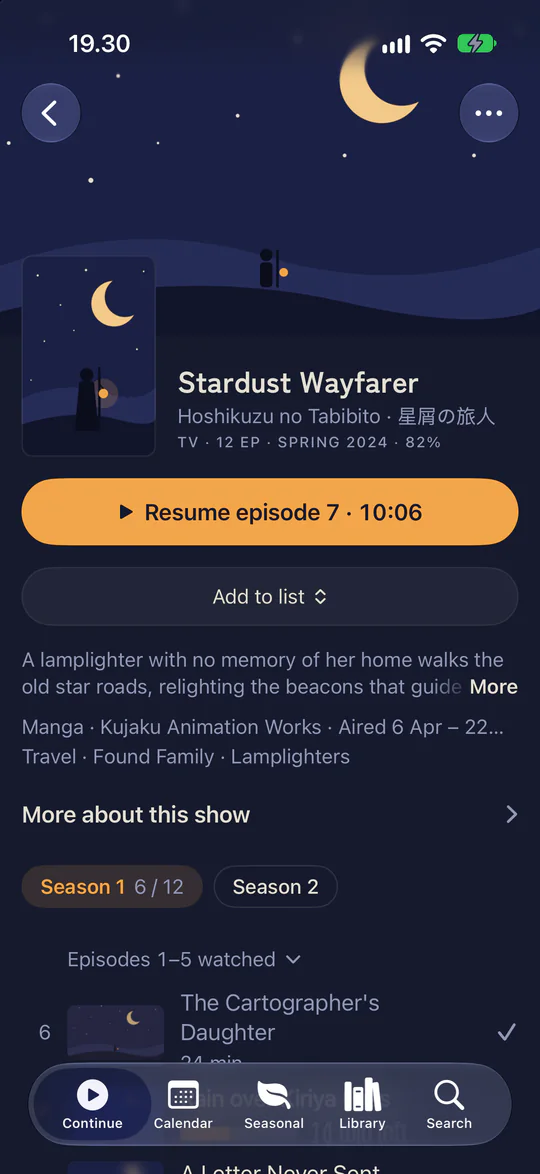
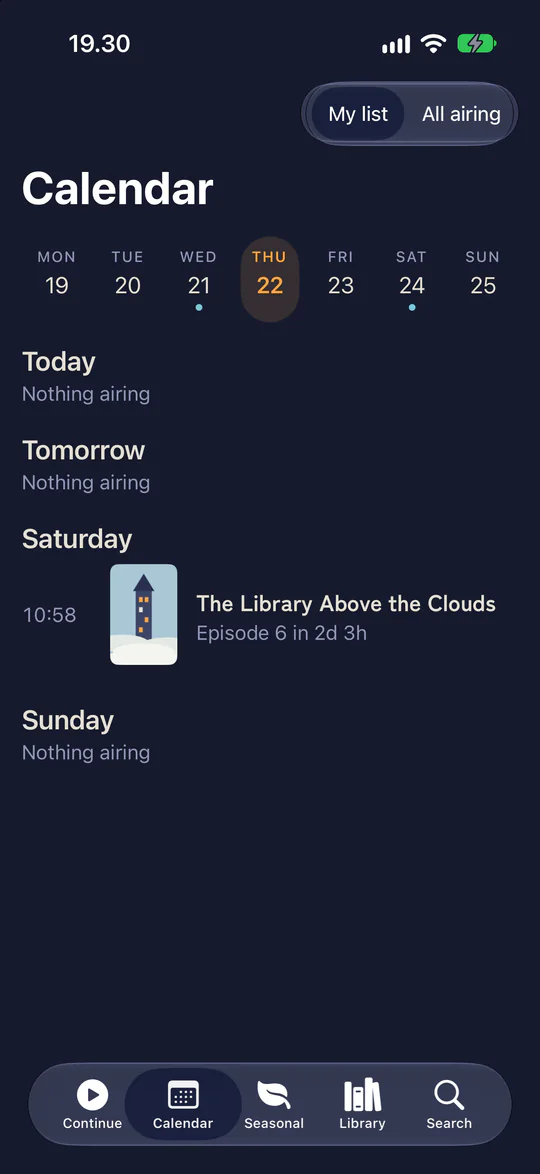
Tabs for Continue, the calendar, seasonal charts, your library and search. A title page opens from its cover, and the player turns to landscape when an episode starts.
iOS 26 or later
iPad
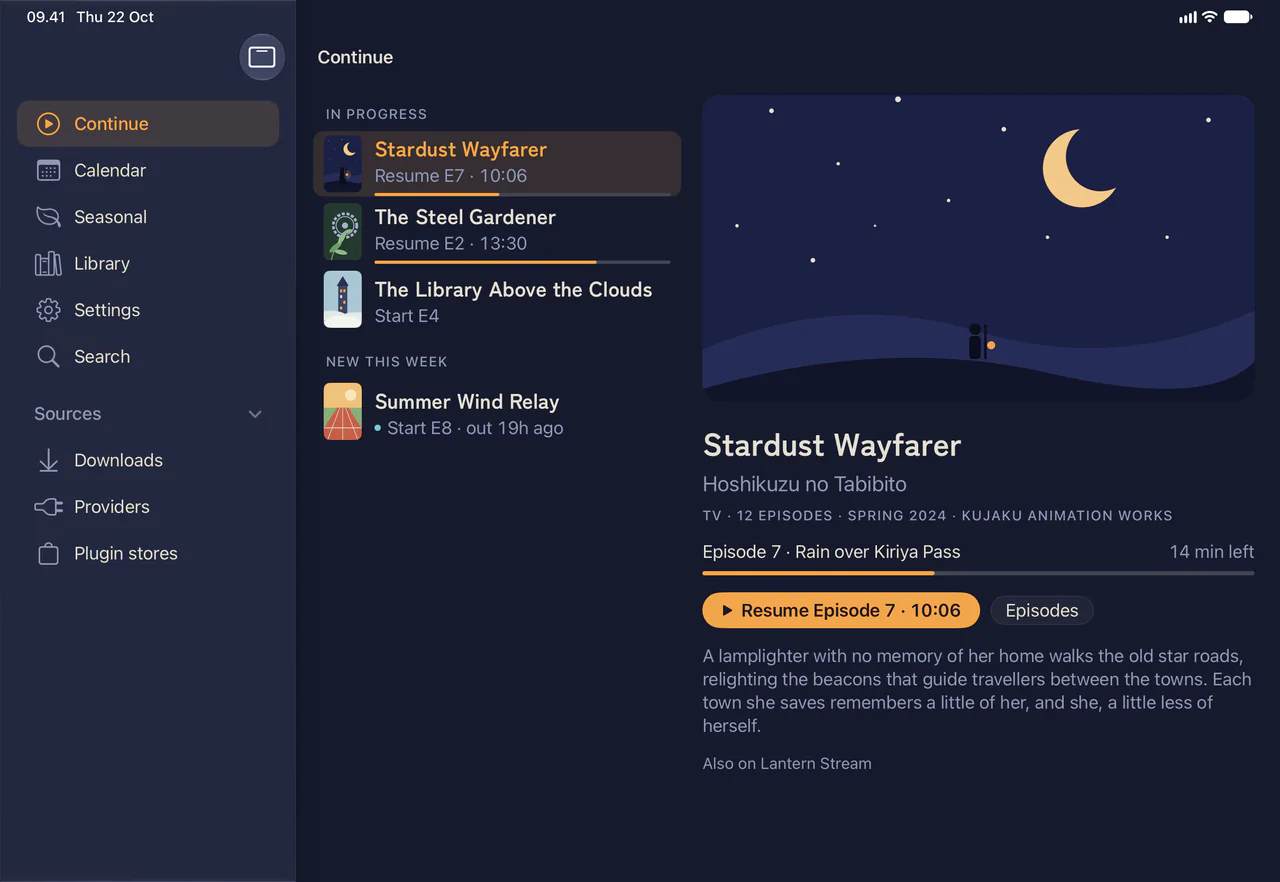
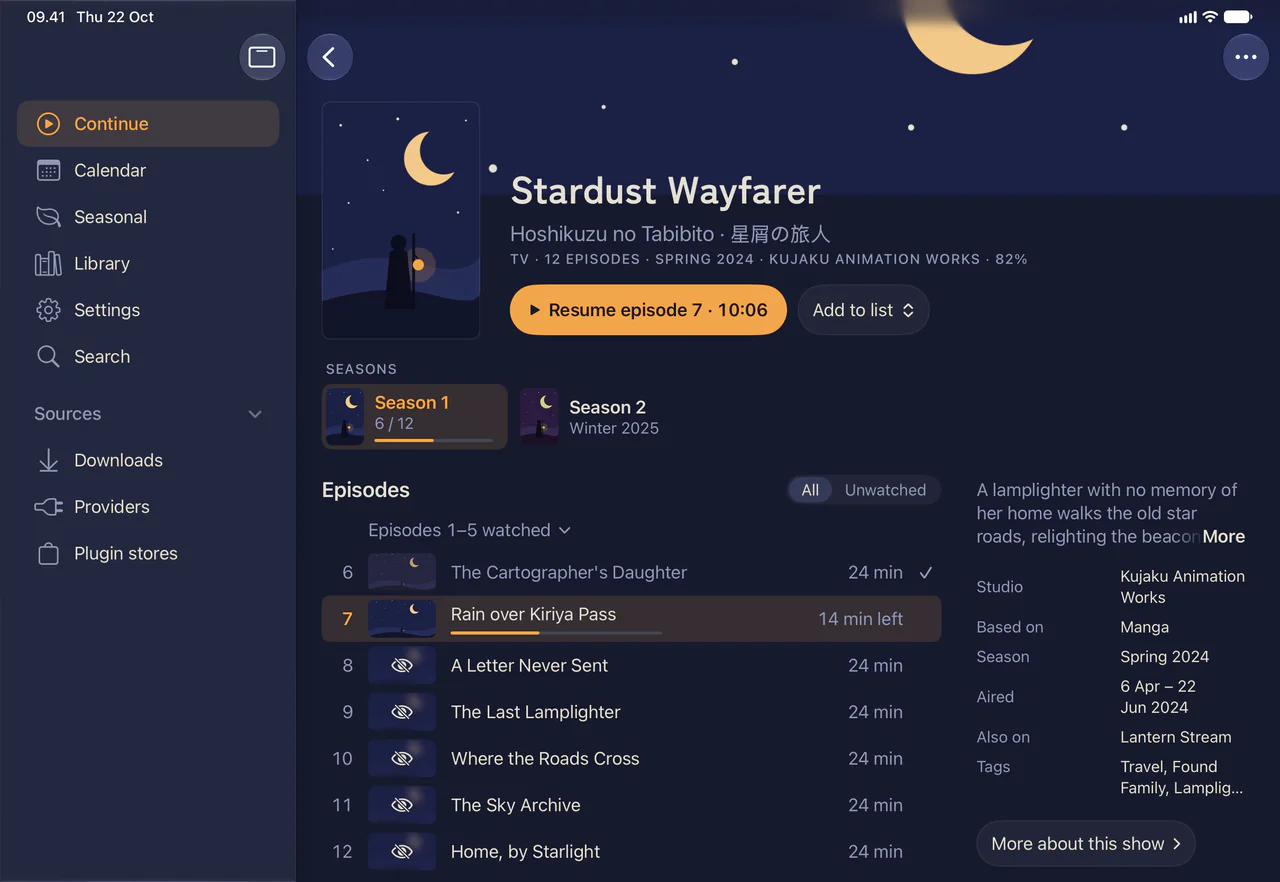
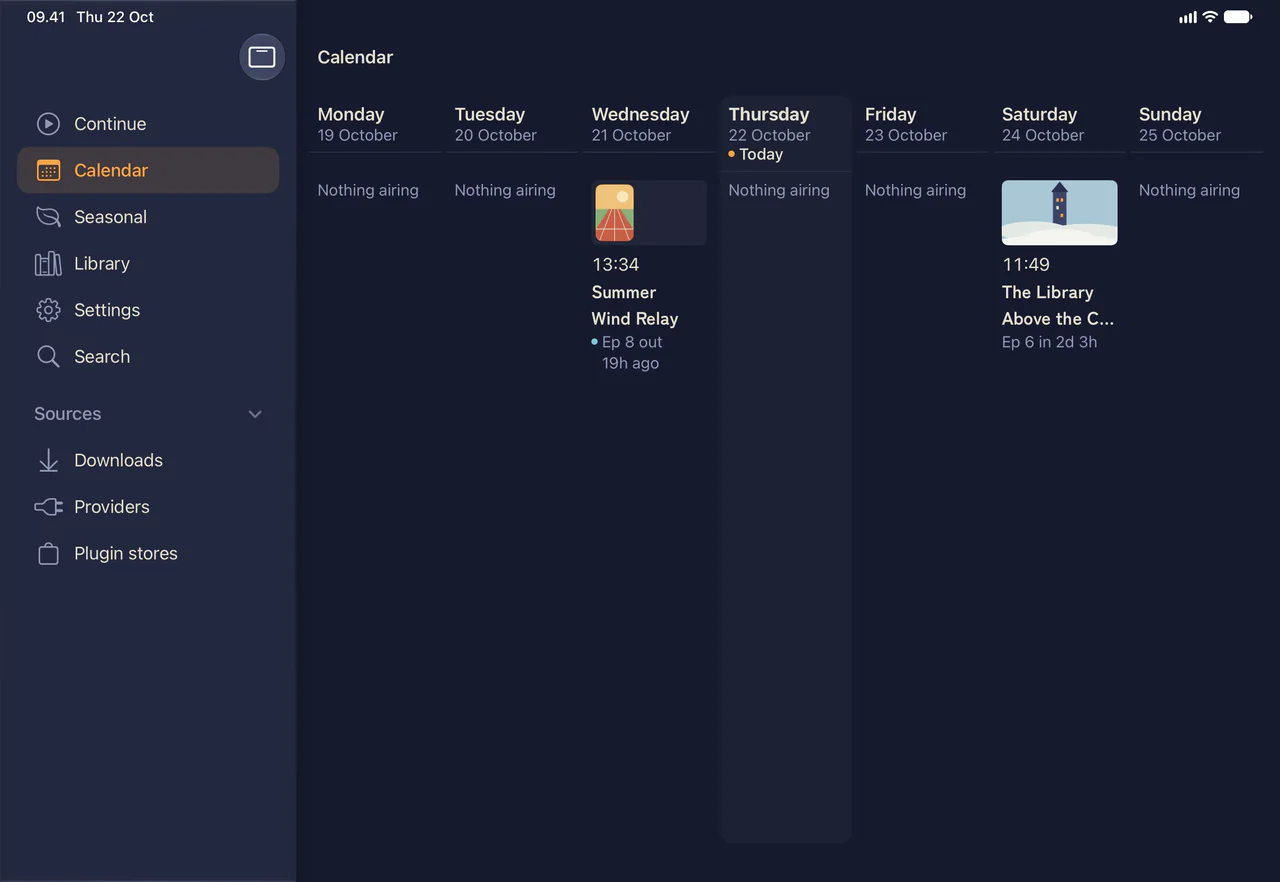
The iPhone app with a sidebar. Title pages put the episode list next to the show’s details, and the calendar shows the whole week.
iPadOS 26 or later
Android phones
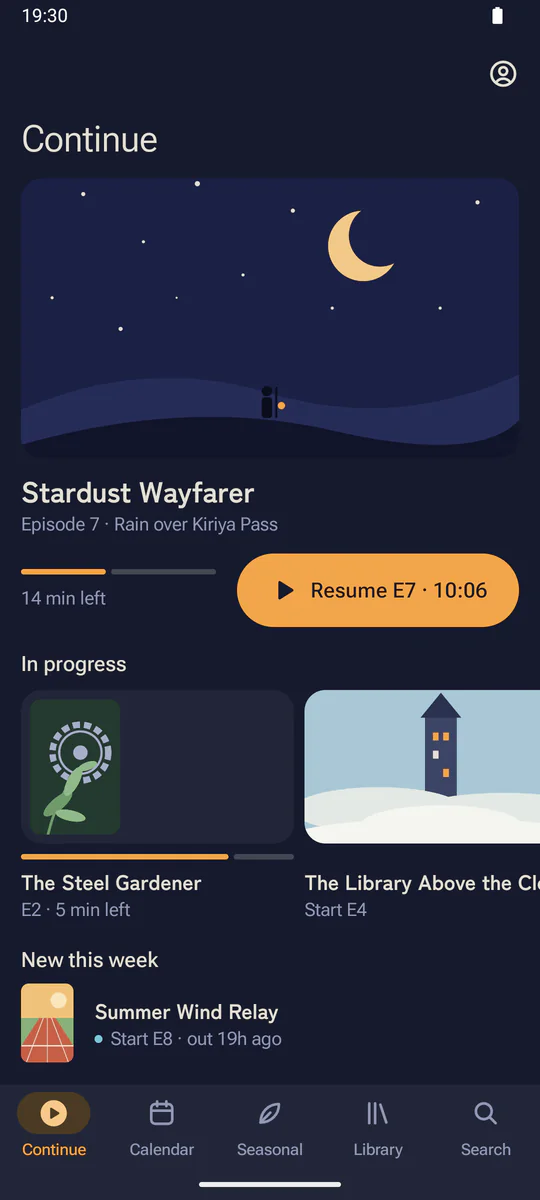
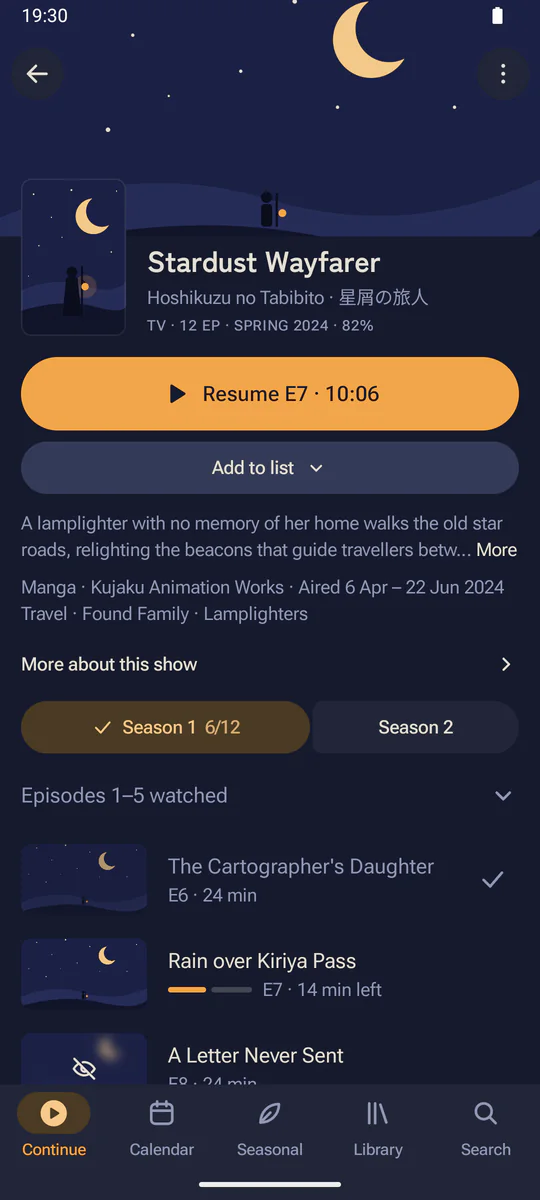
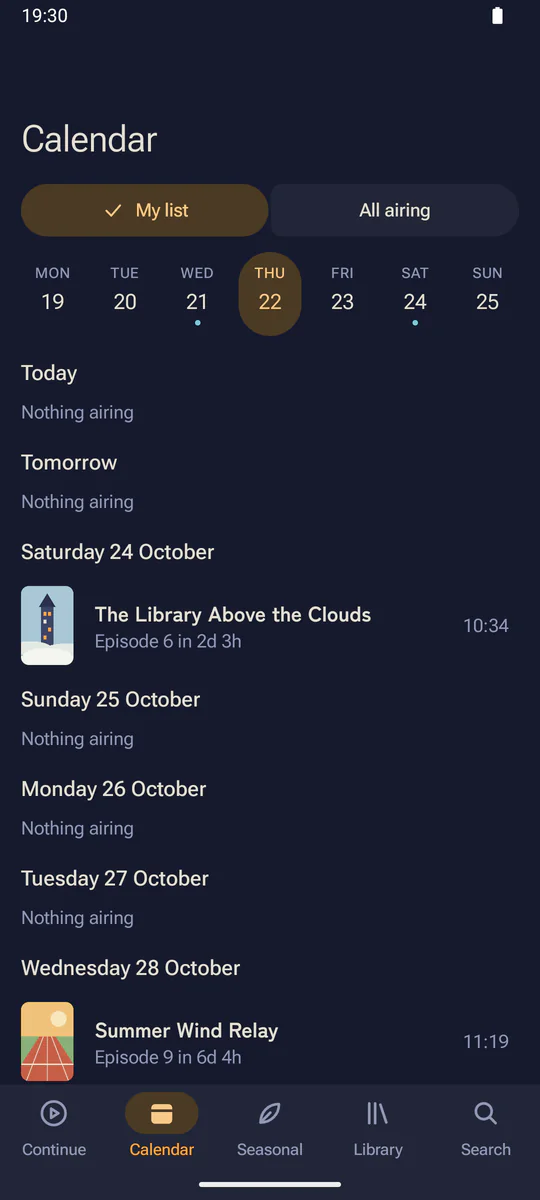
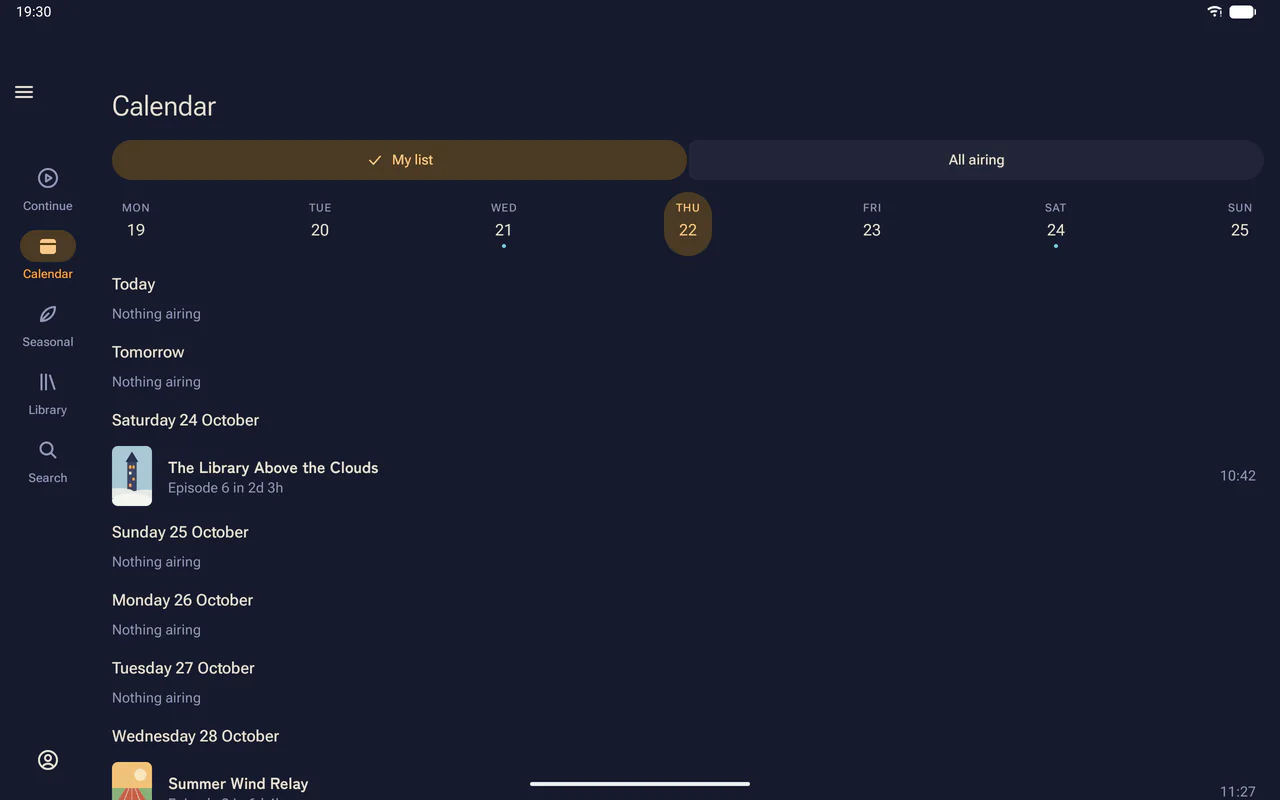
A navigation bar for Continue, the calendar, seasonal charts, your library and search, with predictive back throughout. Episodes play in landscape.
Android 15 or later, on 64-bit ARM
Android tablets and foldables
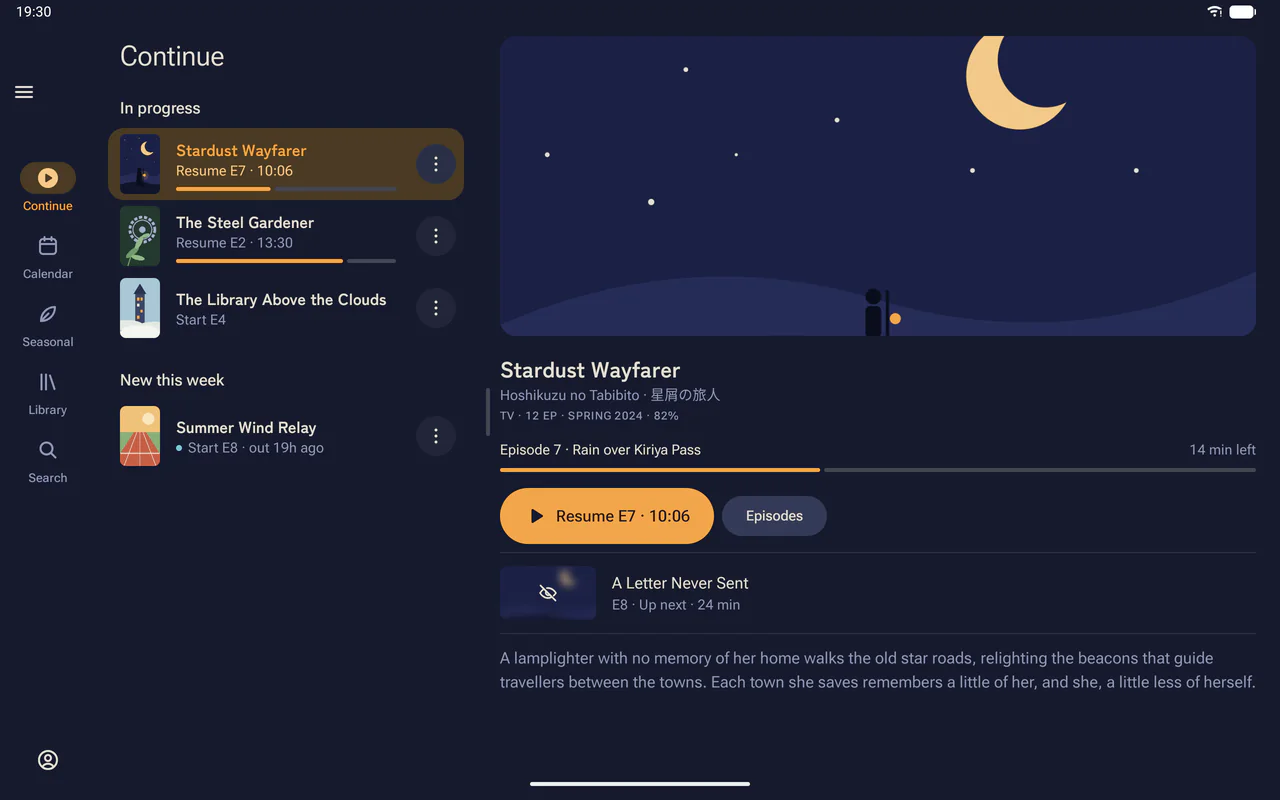
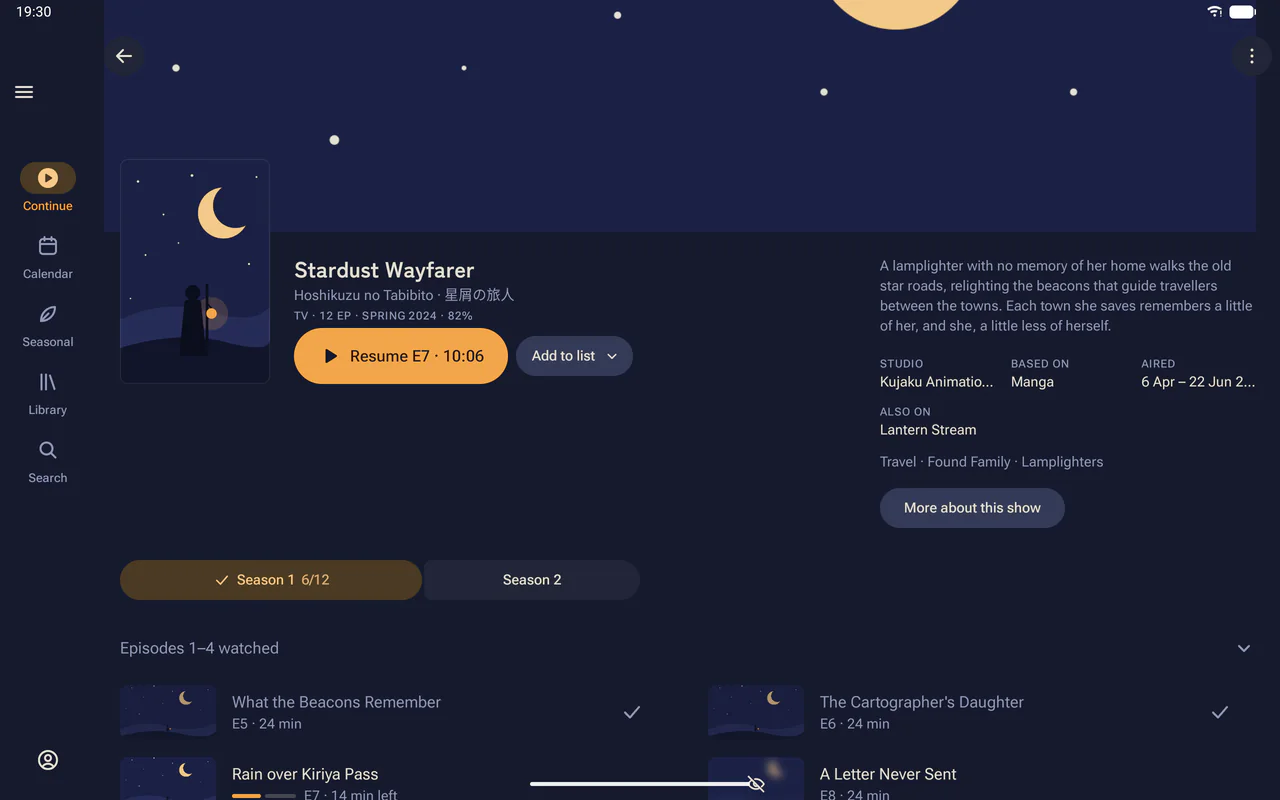
On a tablet or an unfolded phone the navigation moves to a rail at the side, and a title page sets the show’s details beside its banner, with the episodes in two columns.
Android 15 or later, on 64-bit ARM
Android TV
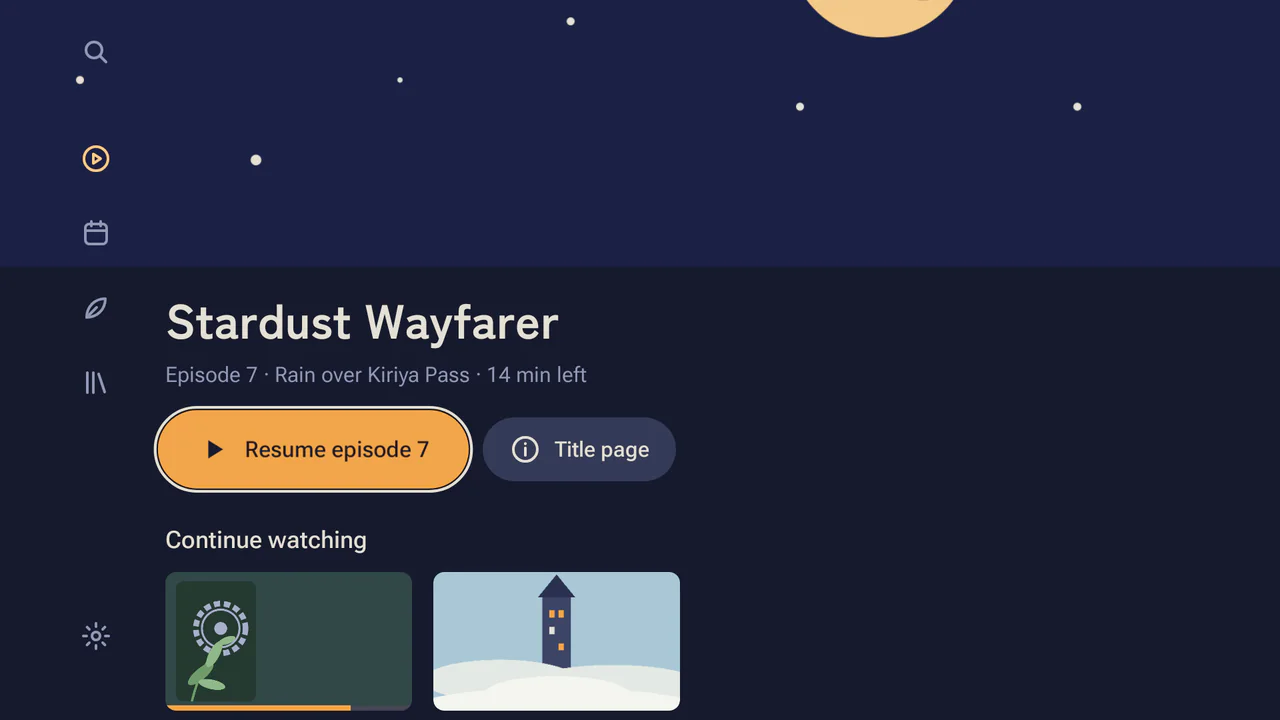
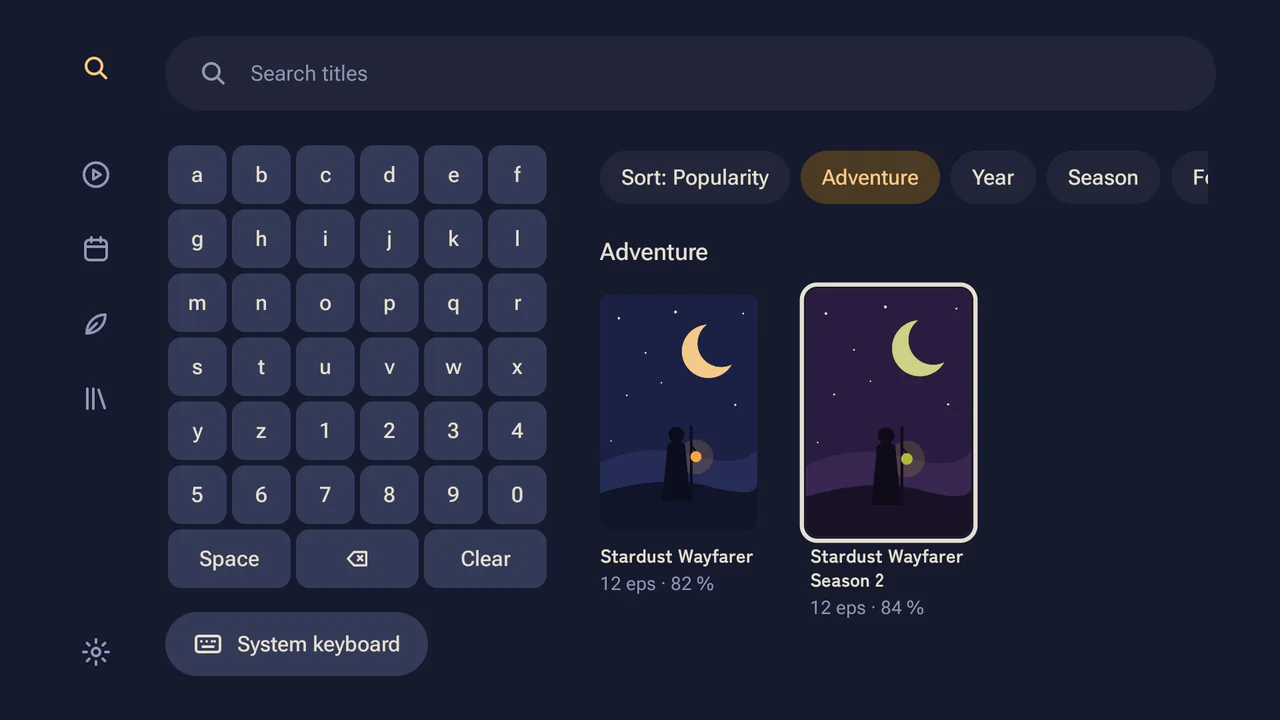
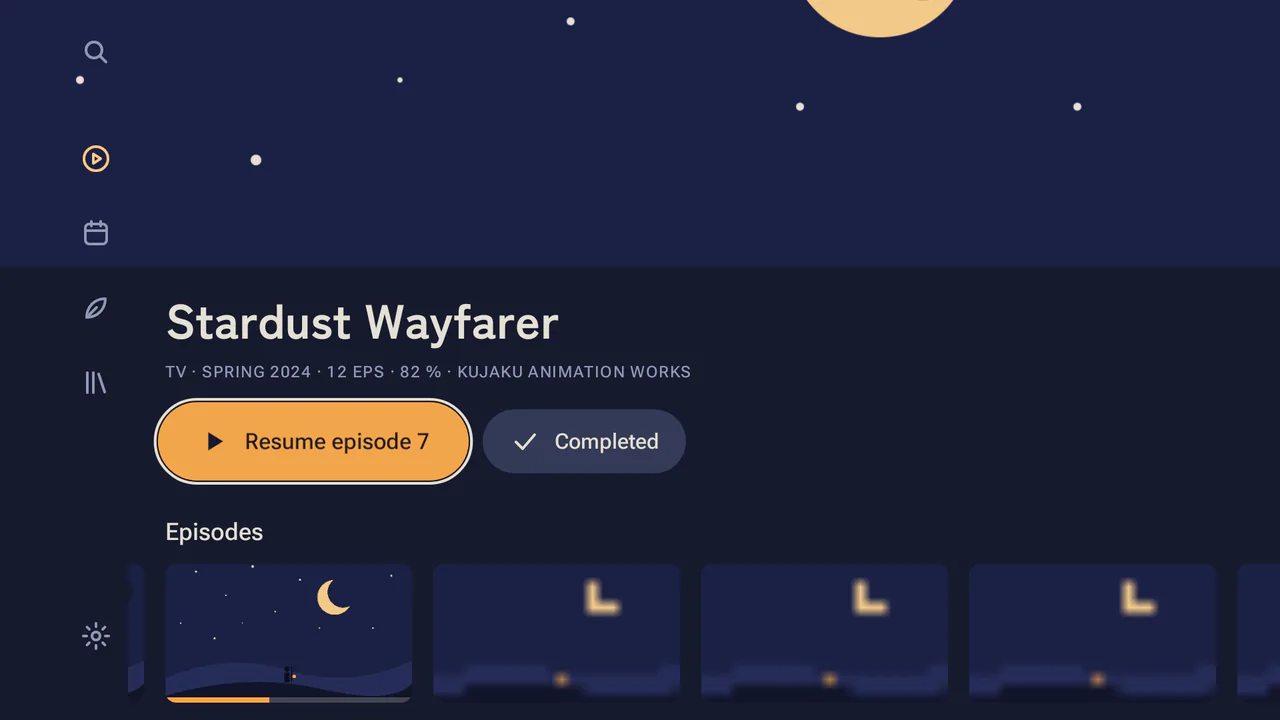
A separate app made for the remote, with large buttons and a rail for search, Continue, the calendar, seasonal charts and your library. The show you’re watching appears in the TV’s Watch Next row. You sign in to trackers and set up torrents from your phone, with no typing on the TV.
Android TV 11 or later, on ARM
Play on TV
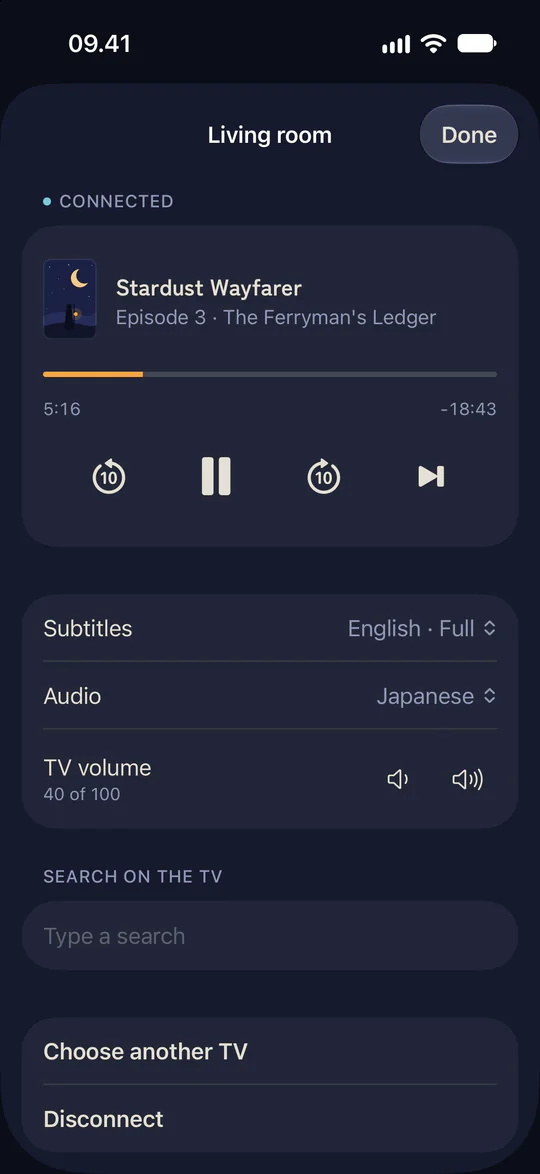
The Mac, iPhone, iPad, Android, Windows and Linux apps send an episode to the TV app on the same network, once you have paired them with the code or the QR code the TV shows. The TV plays the episode, and your phone or computer works as the remote, with pause, seek, next episode, subtitles, audio and volume. A phone can also type a search on the TV.
Windows
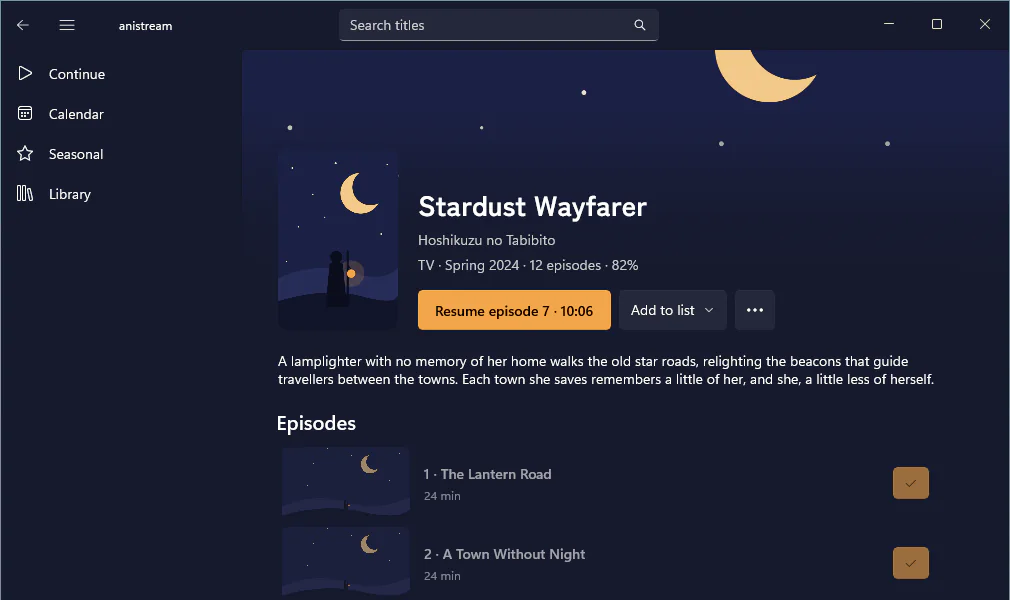
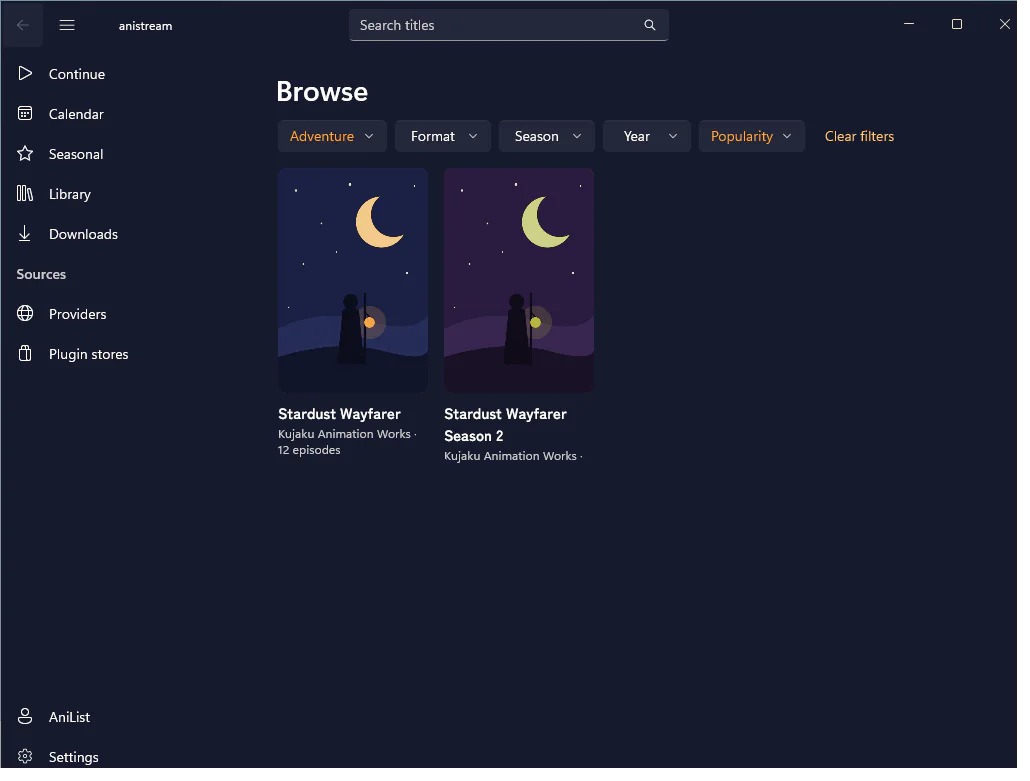
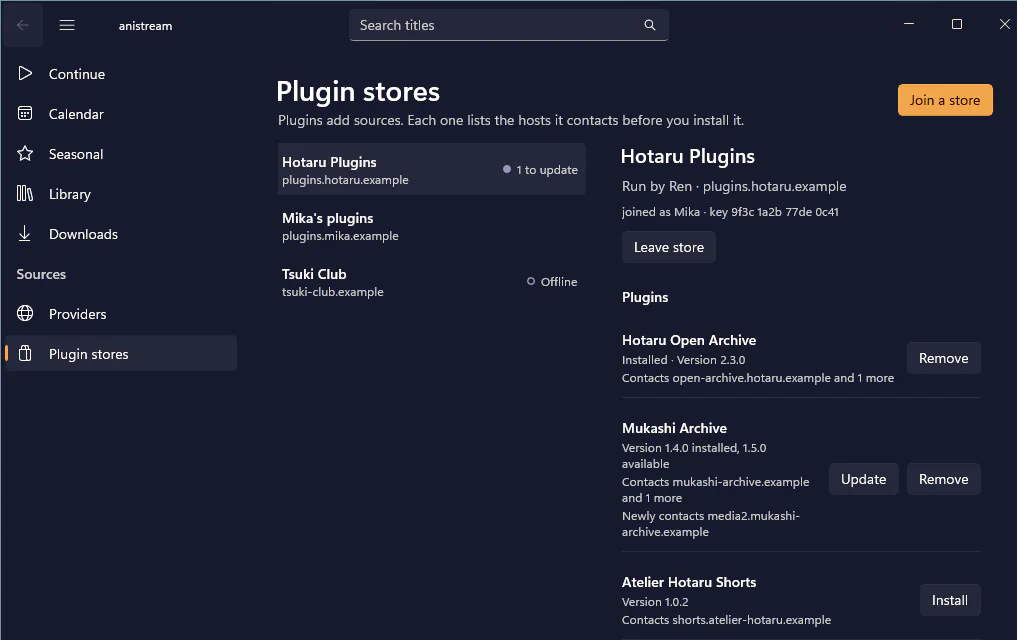
A navigation pane for Continue, the calendar, seasonal charts, your library and downloads, and search with filters in the title bar. Episodes play in the window, with the media keys and taskbar buttons, and the mini player stays on top. New episodes and finished downloads show as Windows notifications.
Windows 10 version 2004 or later, on x64 or Arm64
Linux
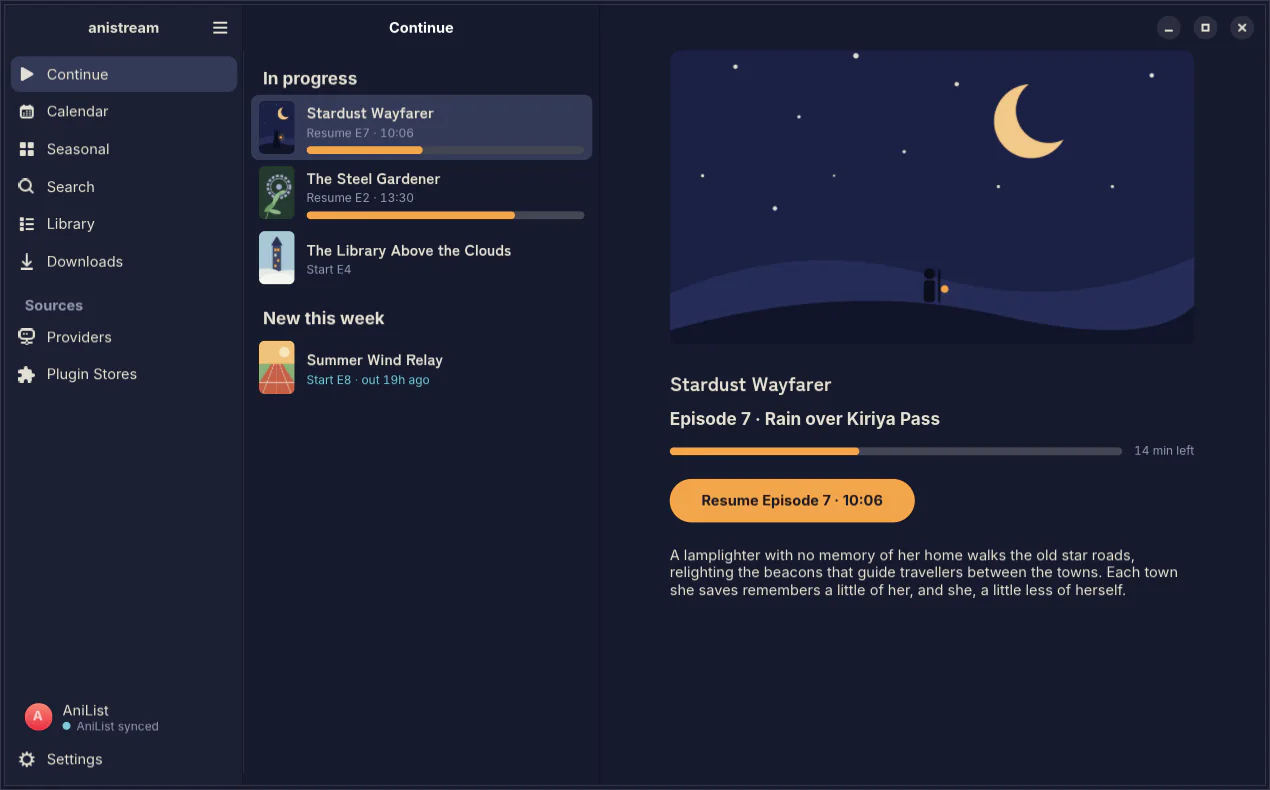
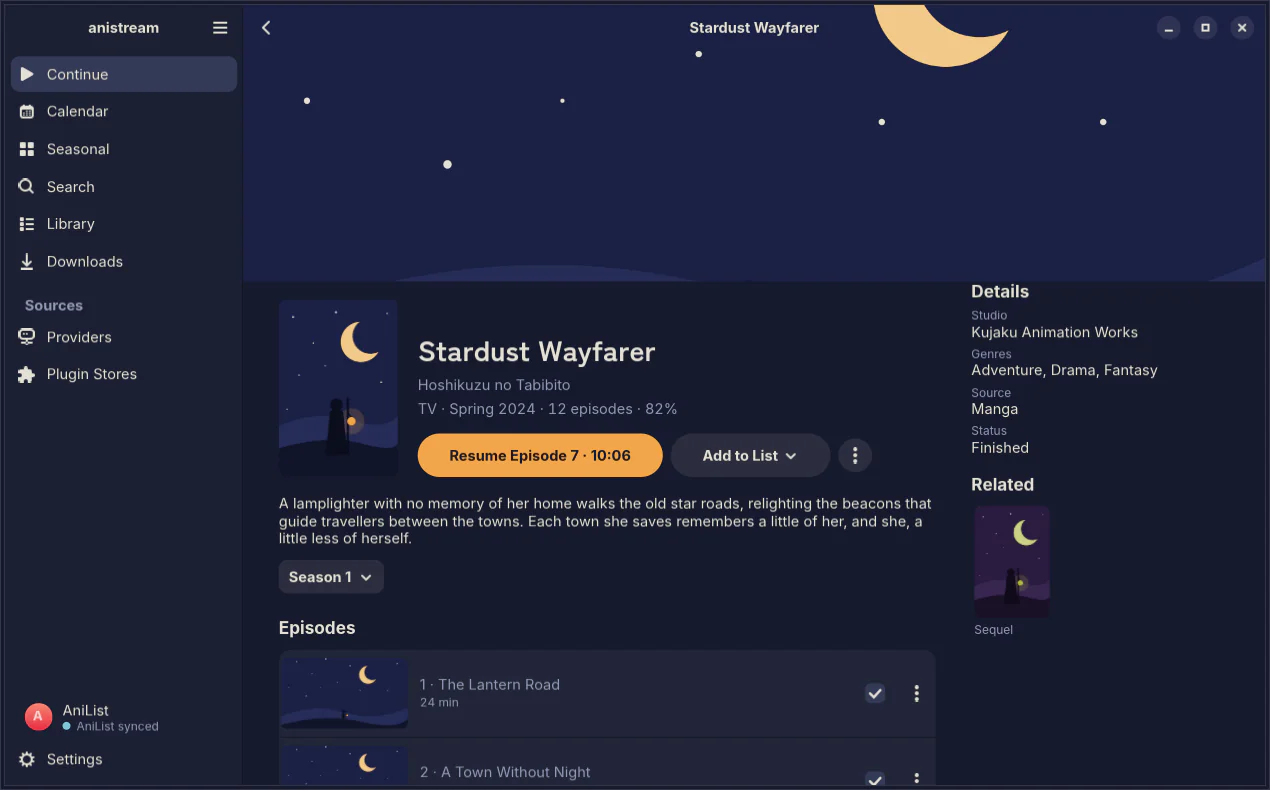
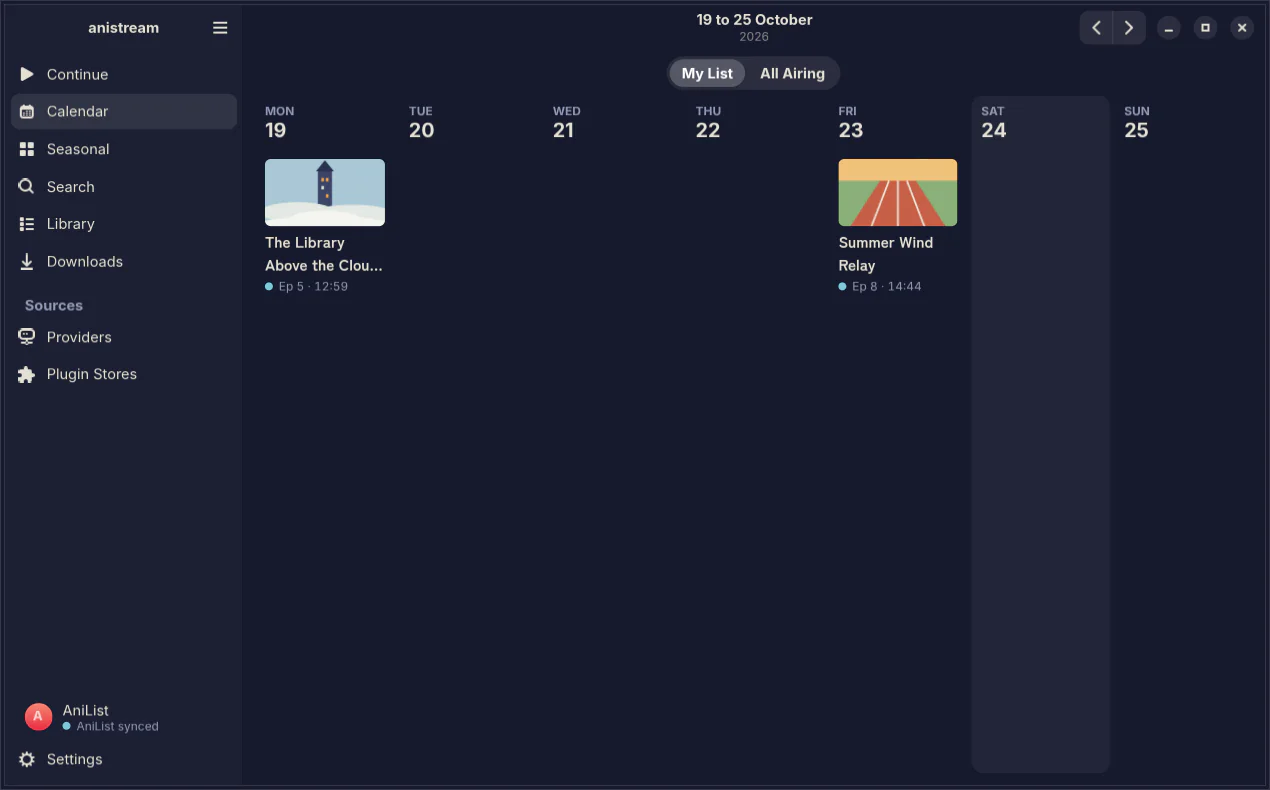
An app that fits in on a GNOME desktop, with a sidebar that folds away in a narrow window and a week view for the calendar. New episodes show as desktop notifications, and the media keys work.
An AppImage for x86-64 or ARM64. It needs glibc 2.41 or newer: Ubuntu 25.04 or later, including 26.04 LTS, Fedora 42 or later, or Debian 13. Ubuntu 24.04 is too old for it.
The player
Every app has mpv built in, and its controls fade while you watch. It plays MKV files with their styled subtitles and upscales with ArtCNN or Anime4K, as the terminal app does. A button skips the opening, and Up Next comes up at the ending.

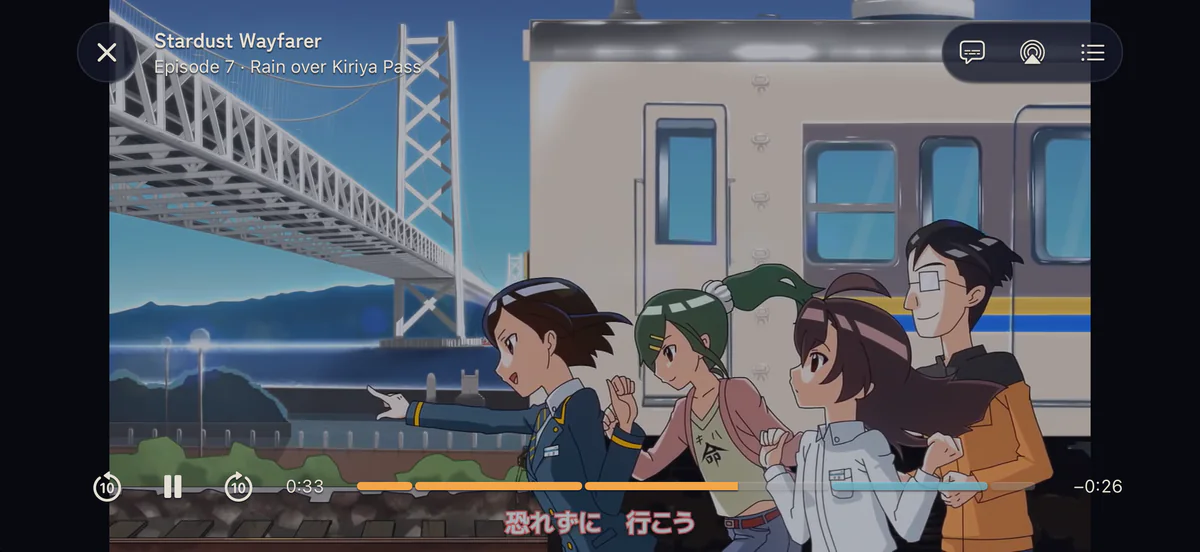
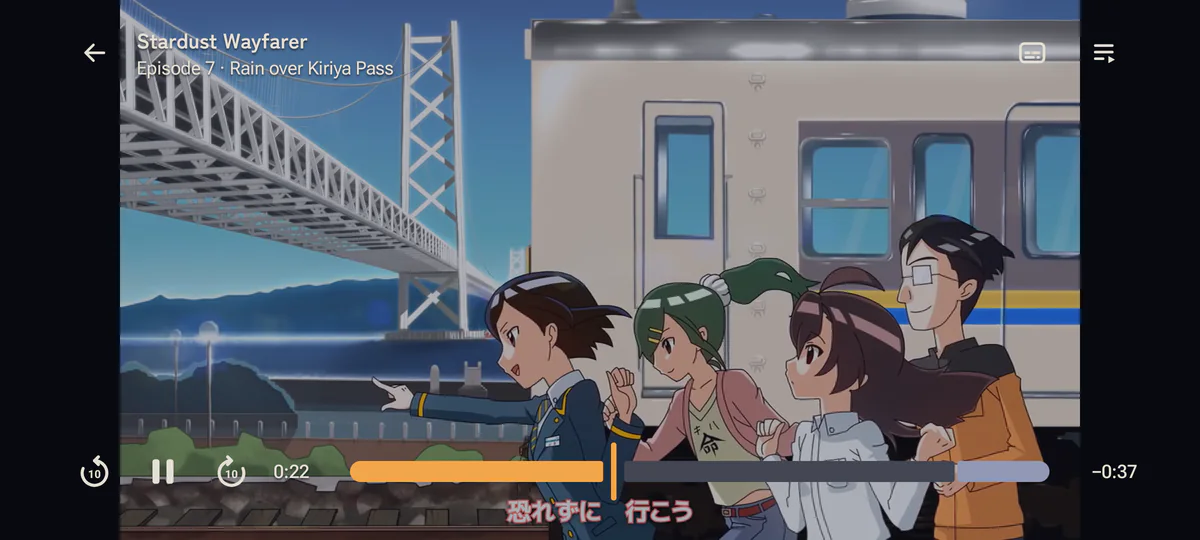
The player shows こうしす! #3.1 by OPAP-JP contributors, licensed CC BY 4.0. Every other title and picture on this page is made up.
Other features
- Widgets
- Continue watching and Airing today on the home screen, on Mac, iPhone, iPad and Android.
- New-episode notifications
- An alert when a new episode of a show you watch comes out, on Mac, iPhone, iPad, Android, Windows and Linux. They stay off until you turn them on, and each show has its own switch.
- Live Activities
- On iPhone, the Lock Screen and the Dynamic Island show what’s playing, your downloads and a show about to air.
- Picture in Picture
- The episode keeps playing in a small window while you browse or use another app, on Mac, iPhone, iPad and Android. On Windows and Linux the player shrinks to a mini player.
- Downloads
- Episodes download to the device and play offline, with the same history and resume as a stream. Every app but the TV app can keep the next episodes of the shows you watch downloaded.
- Trackers and plugin stores
- Sign in to your trackers and join plugin stores in the app.
- Handoff, Spotlight and Shortcuts
- On Apple devices, pick up a title on another of your devices, find your shows in Spotlight, and ask Siri to continue watching.
Download
The apps aren’t in the App Store or on Google Play, so the first install takes one extra step, covered in the installation guide. After that they update themselves, iPhone and iPad through SideStore or AltStore.
Other platforms
anistream hosts no content.
Plugins and sources are yours to add, and what you point them at is your decision and your risk, under the laws that apply to you.
What the apps send, and what they keep on your device, is on the privacy page.