Features
Apps
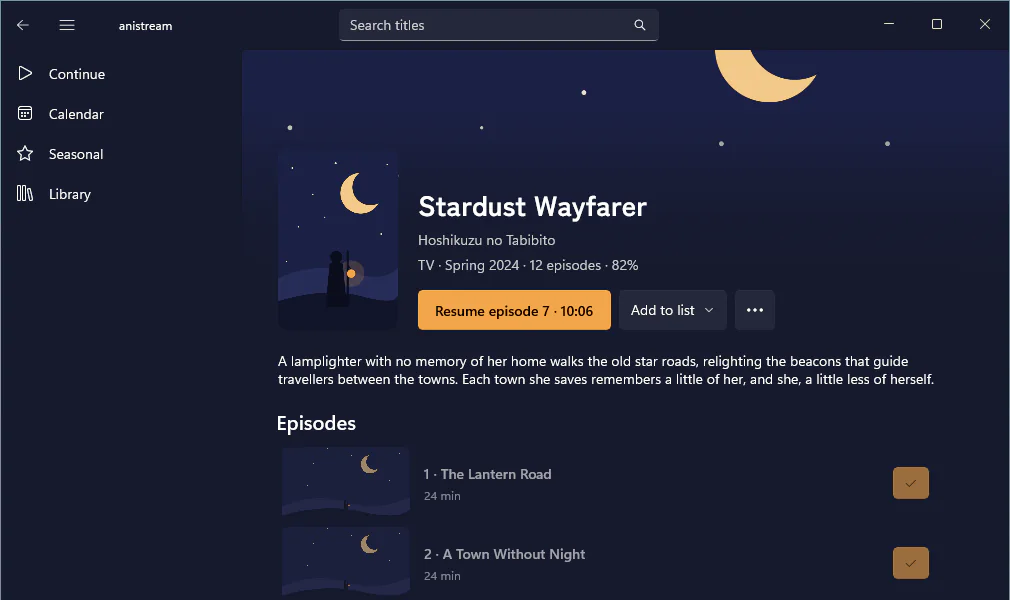
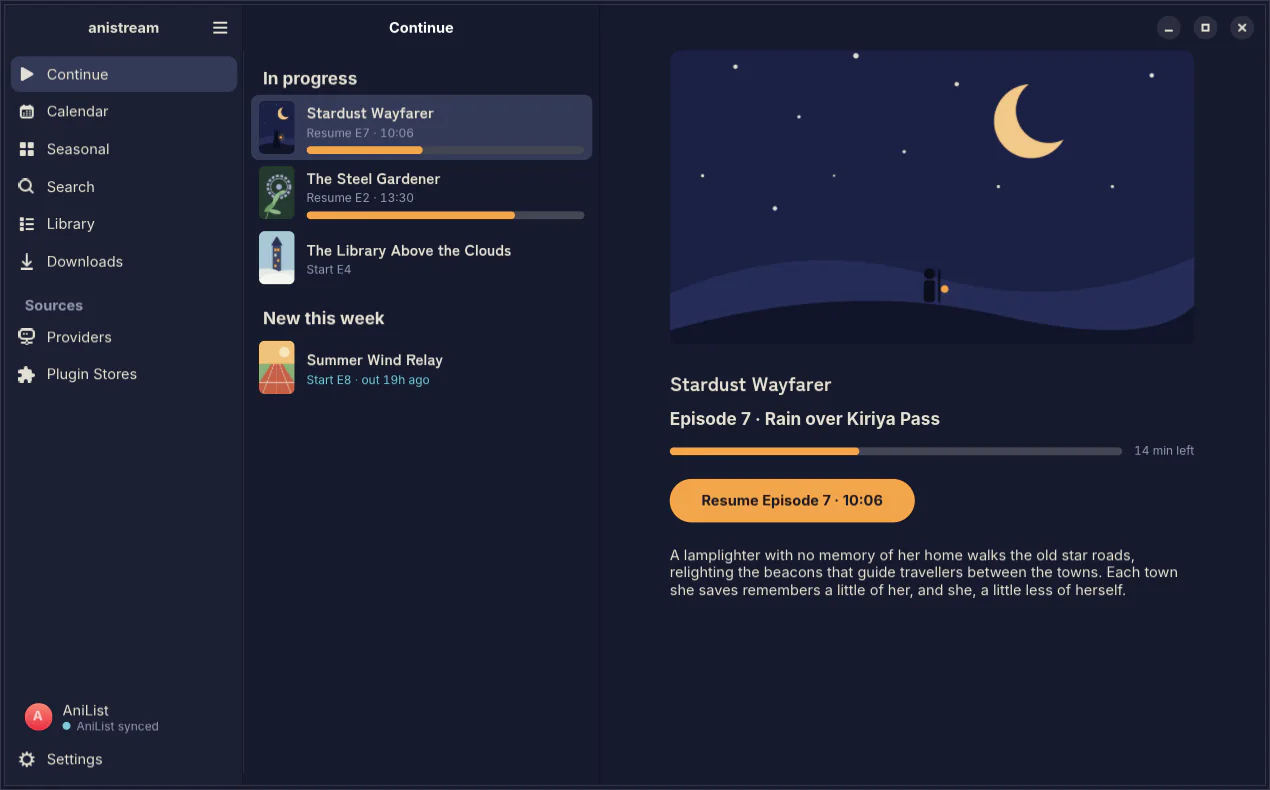
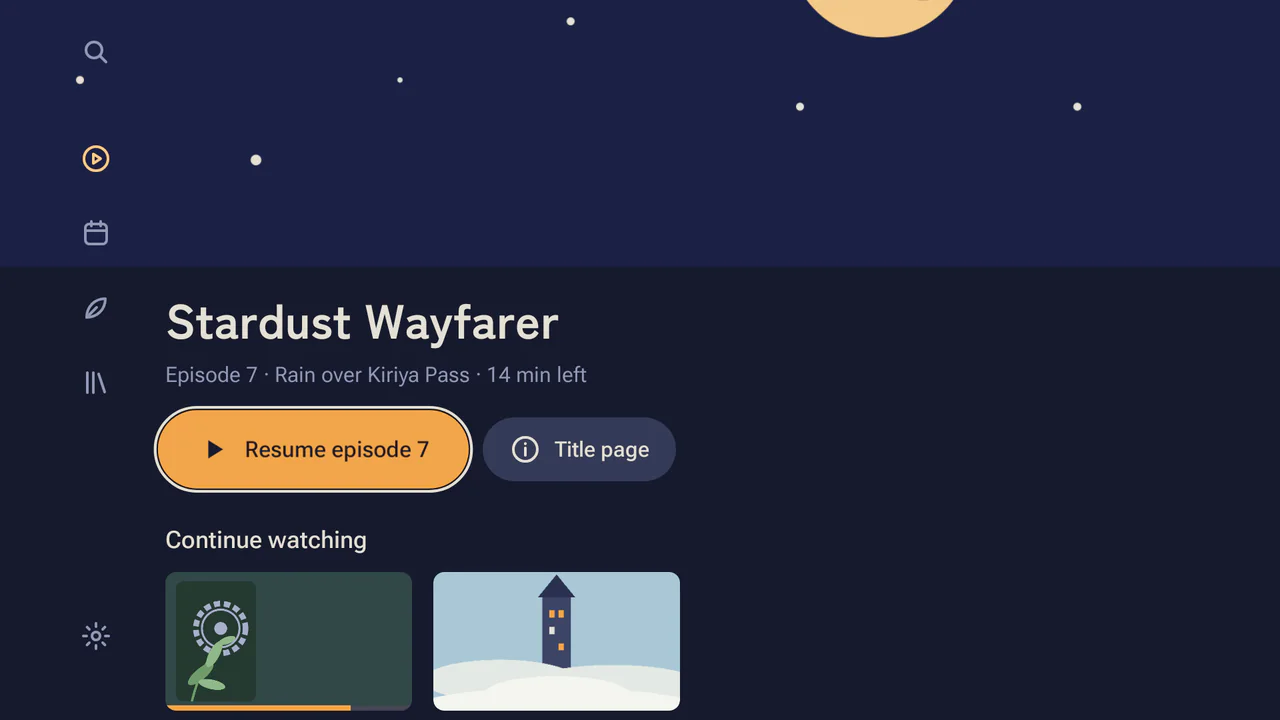
Apps for Mac, iPhone, iPad, Android, Android TV, Windows and Linux, and one for the terminal.


Search and the calendar
Browse by genre, year and season without an account, or follow the seasonal charts and the week’s calendar.
A ~ marks an estimated air time, and a Dub tag marks an episode already dubbed. Title pages say how far the dub goes, such as “Dub to episode 6”.


The player
Episodes play in mpv, upscaled by ArtCNN or Anime4K, with the opening and ending marked on the seek bar. Drag the line to compare a 480p stream.


Play on TV
Send an episode to the Android TV app, then pause, seek and switch subtitles from your phone. The Mac, Windows and Linux apps do the same.


History and sync
History stays on your device and needs no account. Changes reach your trackers in order, even after a week offline.
Plugins and stores
Sources are plugins, and each one can reach only the sites it lists. A friend can run a store and invite you.
anistream hosts no content.
The player in the videos shows こうしす! #3.1 by OPAP-JP contributors, licensed CC BY 4.0. Every other title and picture in them is made up.
More features
Watching
- Skip and Up Next
- Skip the opening, and start the next episode from the credits.
- Resume
- Picks up where you stopped.
- Pick a source
- The automatic pick says why in one line, and you can choose another release.
- Sub or dub per show
- Set it once and each show remembers.
- Subtitle and audio tracks
- Every app switches the file’s tracks. Mac, Windows and Linux also load a subtitle or audio file.
- Picture in Picture
- Keep watching while you browse, or in a mini player on Windows and Linux.
- Watch parties
- Watch with friends in sync, on Mac, iPhone, iPad, Windows, Linux and in the terminal.
Downloads
- Next episodes
- The next episodes of your shows download ahead of time.
- Start now
- Move a queued download to the front.
- Same history offline
- A downloaded episode resumes and syncs like a stream.
Alerts and widgets
- New-episode alerts
- Off until you turn them on, per show.
- Widgets
- Continue and Airing today on your home screen.
- Handoff, Spotlight, Shortcuts
- Pick up a show on another Apple device.
- Live Activities
- On iPhone, the Lock Screen shows what’s playing, your downloads and a show about to air.
Other
- Updates
- The Mac, Android, Android TV, Windows, Linux and terminal apps update themselves.
- Torrents on the TV
- Scan the TV’s code, then type the index and proxy on your phone.
- English or romaji
- Pick how show titles are written.
- Command line
- --json output for your scripts.
By app
All eight apps have search with filters, the calendar, seasonal charts, subtitle and audio tracks, skip, resume and Up Next. They all sync with AniList, Simkl and Trakt, join plugin stores and run torrents behind the VPN guard. The table shows where they differ.
- Available
- In development
- Not on this platform
| Feature | Mac | iPhone | iPad | Android | Android TV | Windows | Linux | Terminal |
|---|---|---|---|---|---|---|---|---|
| Watching | ||||||||
| Built-in mpv | Available | Available | Available | Available | Available | Available | Available | Your mpv |
| Upscaling | Available | Available | Available | Available | Not on this platform | Available | Available | Available |
| Opening and ending marks | Available | Available | Available | Available | Available | Available | Available | mpv’s |
| Load a subtitle file | Available | Not on this platform | Not on this platform | Not on this platform | Not on this platform | Available | Available | mpv’s |
| Picture in Picture | Available | Available | Available | Available | Not on this platform | Mini player | Mini player | Not on this platform |
| Watch parties | Available | Available | Available | Not on this platform | Not on this platform | Available | Available | Available |
| Tracking and downloads | ||||||||
| MyAnimeList and Kitsu | Available | Available | Available | Available | Kitsu only | Available | Available | Available |
| Per-show settings | Available | Available | Available | Available | Available | Available | Available | Source only |
| Download an episode | Available | Available | Available | Available | Not on this platform | Available | Available | Available |
| Keep the next episodes | Available | Available | Available | Available | Not on this platform | Available | Available | In config |
| Devices | ||||||||
| Play on TV and remote | Available | Available | Available | Available | Receives | Available | Available | In development |
| New-episode alerts | Available | Available | Available | Available | Not on this platform | Available | Available | In config |
| Home screen widgets | Available | Available | Available | Available | Not on this platform | In development | Not on this platform | Not on this platform |
| Live Activities | Not on this platform | Available | Not on this platform | Not on this platform | Not on this platform | Not on this platform | Not on this platform | Not on this platform |
| Handoff, Spotlight, Shortcuts | Available | Available | Available | Not on this platform | Not on this platform | Not on this platform | Not on this platform | Not on this platform |
| Updates from the app | Available | Via SideStore | Via SideStore | Available | Available | Available | Available | Available |
Play on TV from the terminal app is in development, and so are home screen widgets on Windows.